Creating your account
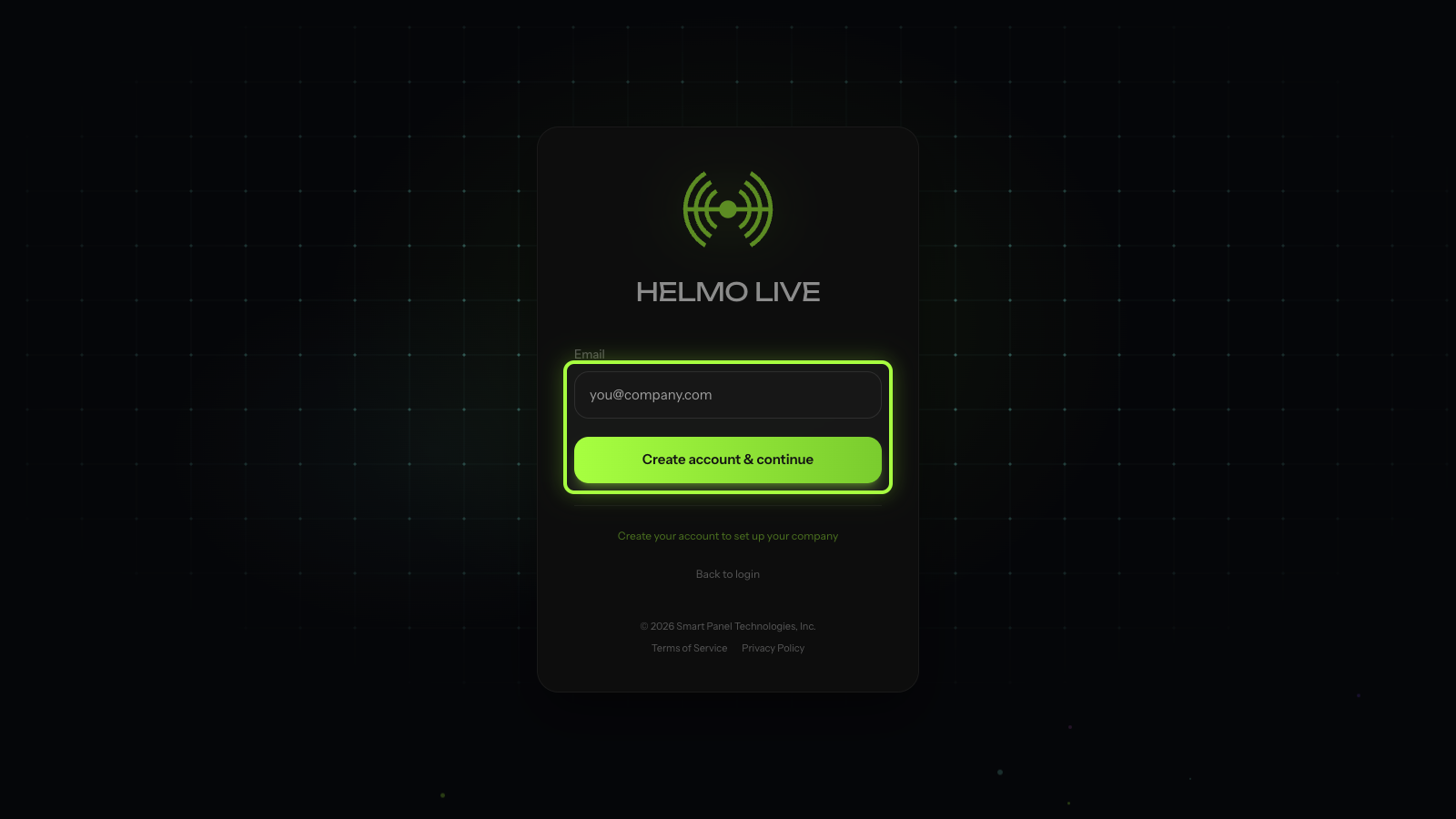
Sign up for Helmo Live, verify your email and reach your workspace dashboard. Registration is open and no invitation is needed.
TutorialBeginnerUpdated
Registration is open: anyone can create a Helmo Live account. Just head to https://helmolive.app and sign up. You don't need an invitation to get started.
Tip
Being invited to an existing workspace is only one of the ways to join Helmo. If a teammate has invited you, see Accepting a workspace invitation.
How to sign up
| Step | Action | Details |
|---|---|---|
| 1 | Go to https://helmolive.app | Open https://helmolive.app and click Sign Up |
| 2 | Create your account | Enter your full name, email, and choose a password |
| 3 | Verify email | Click the confirmation link in the verification email |
| 4 | Access your workspace | After verification, you'll be redirected to your workspace dashboard |
Already have an account?
If you already have a Helmo account and receive an invitation to a new workspace, just click the link and you'll be added automatically. You can switch between workspaces from the sidebar.
Troubleshooting
| Problem | Solution |
|---|---|
| Invitation link doesn't work | Invitations expire after a limited time. Ask your admin to resend, or sign up directly at https://helmolive.app |
| No verification email | Check your spam/junk folder. If nothing, request a new verification |
| Can't access workspace after signup | Make sure you verified your email. Check for a confirmation link |
Tip
After joining, ask your admin to assign you to a Team so you can see the relevant Shows and resources for your role.