Resetting your password
Recover access to your Helmo Live account by requesting a password reset link from the login page.
TutorialBeginnerUpdated
If you forgot your password, you can reset it from the login page.
Steps
| Step | Action |
|---|---|
| 1 | Go to the login page |
| 2 | Click Forgot password? |
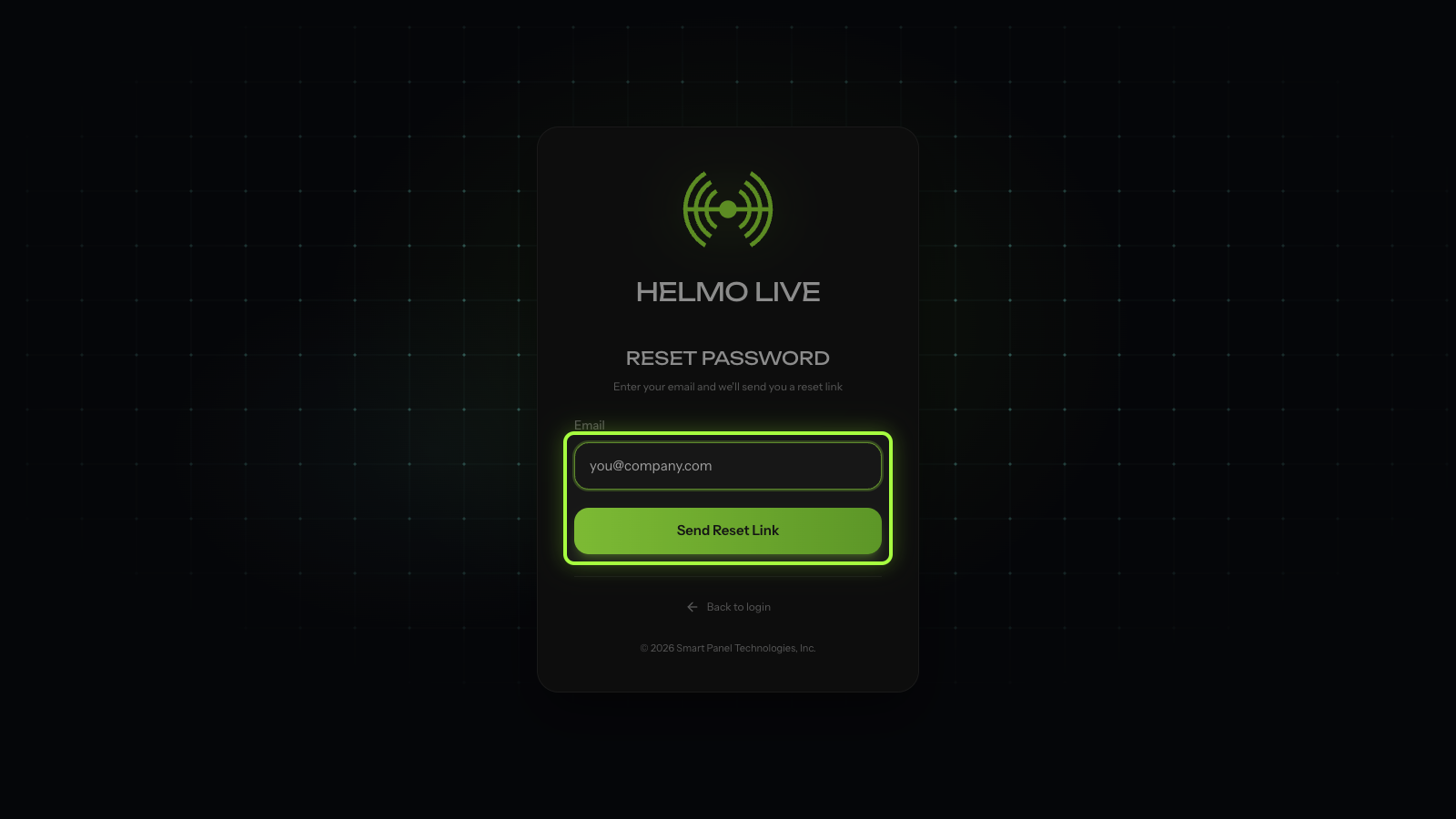
| 3 | Enter the email address associated with your account |
| 4 | Click Send Reset Link |
| 5 | Check your email and click the reset link |
| 6 | Enter your new password and confirm |
| 7 | Sign in with your new password |
Watch out
Reset link expired? Links are valid for a limited time. Request a new one from the login page. If you don't see the email, check your spam folder.