Navigating the dashboard
Find your way around the Helmo Live dashboard, the left sidebar and the user menu.
ReferenceBeginnerUpdated
After signing in, you'll land on the Dashboard, your home base for everything in Helmo Live.
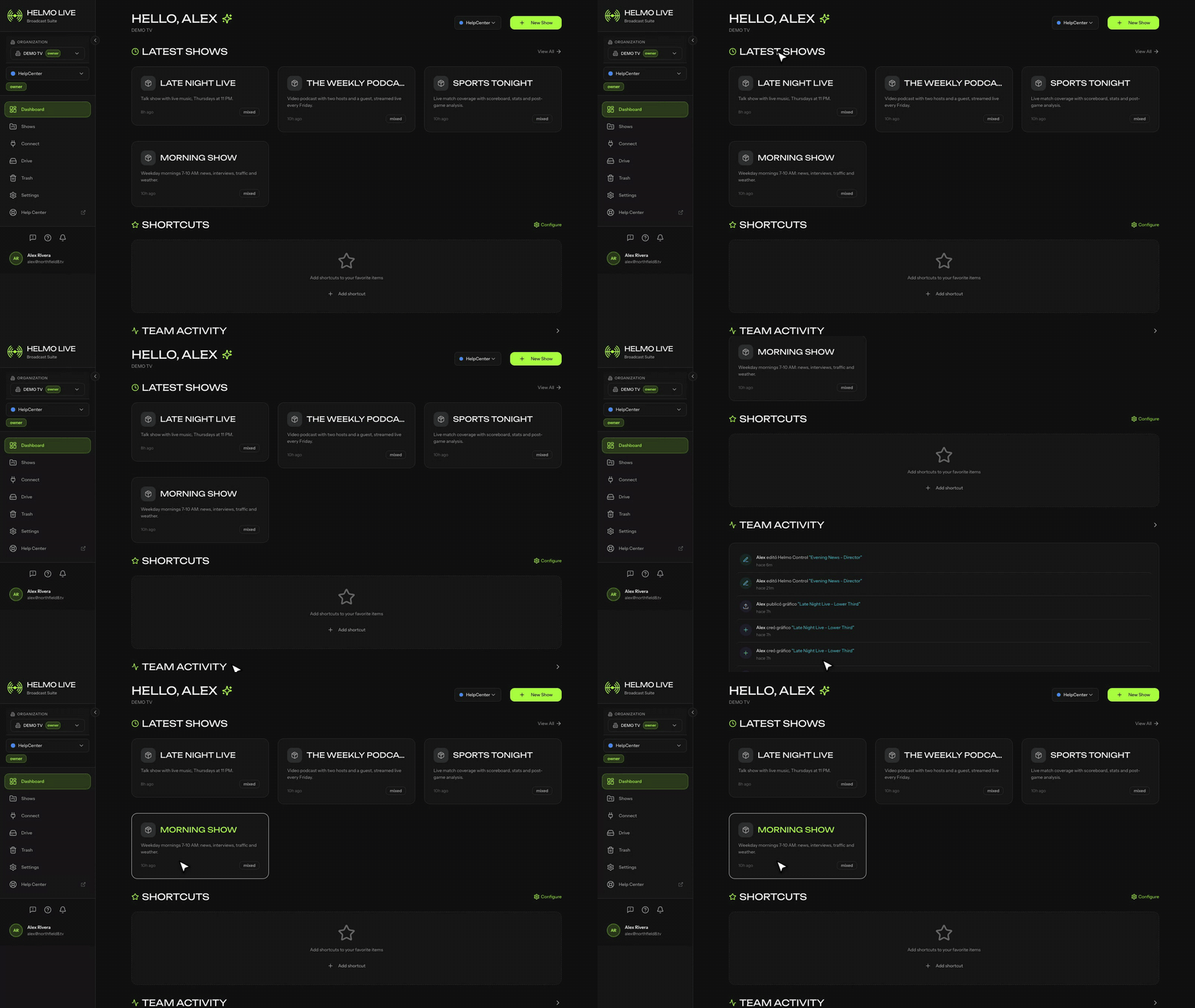
Sidebar Navigation
The left sidebar gives you quick access to all modules:
| Menu item | Module | What you'll find |
|---|---|---|
| Dashboard | n/a | Overview with recent activity, quick actions, and workspace stats |
| Control | Helmo Control | Builder and Client interfaces for control panels |
| Rundown | Helmo Rundown | Your Shows and Stories for broadcast planning |
| Integrations | Connect | External connections: OBS, vMix, Viz Flowics, and more |
| Asset Library | Drive | Your uploaded media files (images, videos, fonts) |
| Activity | n/a | Recent actions in your workspace |
Quick Actions
From the dashboard you can:
- Start a new Show
- Access recent items
- See team activity
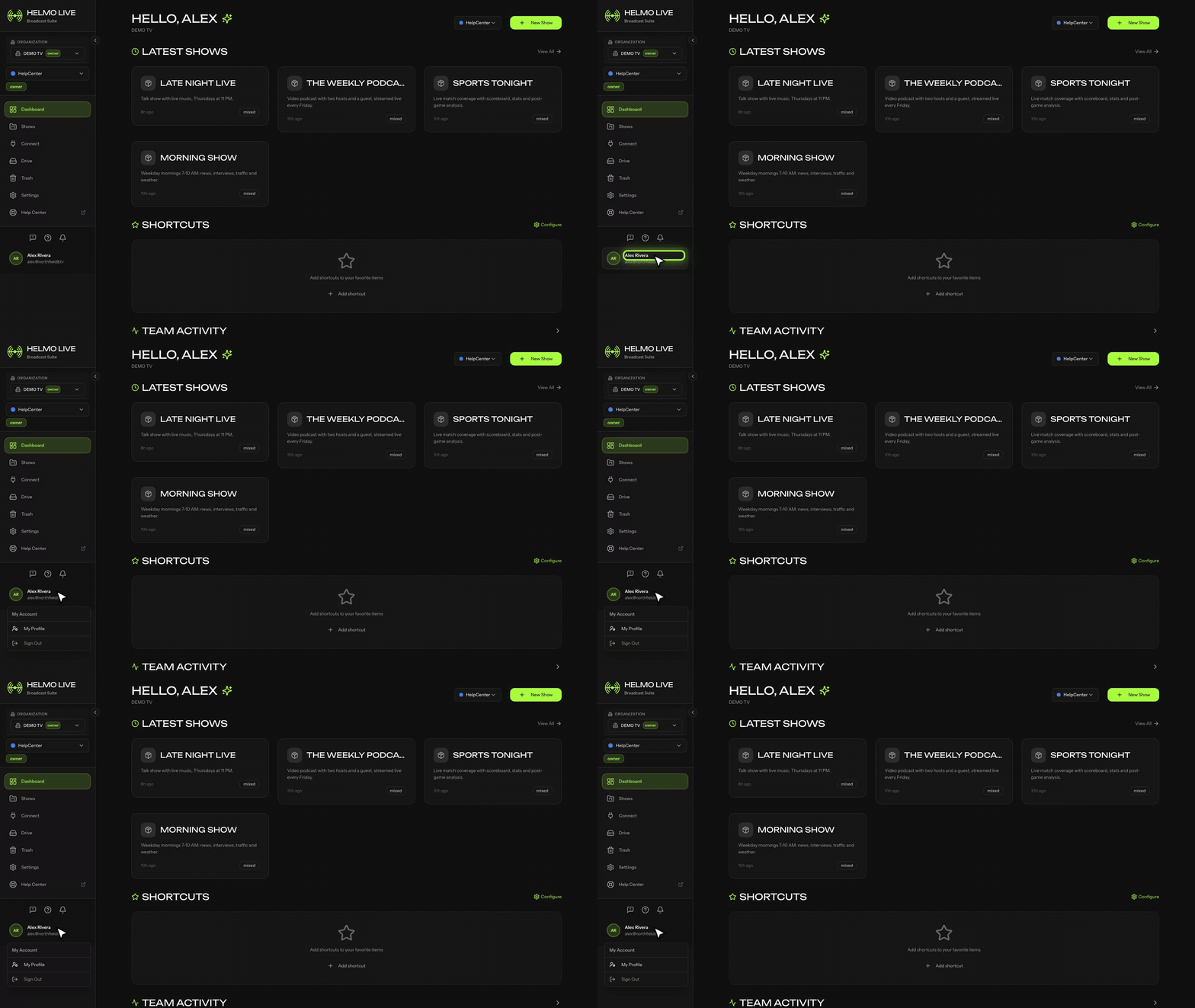
User Menu
Click your avatar in the bottom-left to access:
| Option | Description |
|---|---|
| Profile | Edit your name and avatar |
| Preferences | Language, theme, and layout settings |
| Company Settings | Workspace configuration, members, plans, and billing (Owners only) |
| Sign Out | Log out of your account |
Tip
The sidebar adapts to your role, so you'll only see the modules you have permission to access. See Understanding roles: Owner, Editor, Producer, Operator, Viewer for details.