Viewing activity logs
Track who did what and when across your workspace with the Activity page: what is logged and how to filter it.
ReferenceIntermediateUpdated
Helmo keeps a complete audit trail of actions performed in your workspace. Activity logs help you track who did what and when.
Accessing activity logs
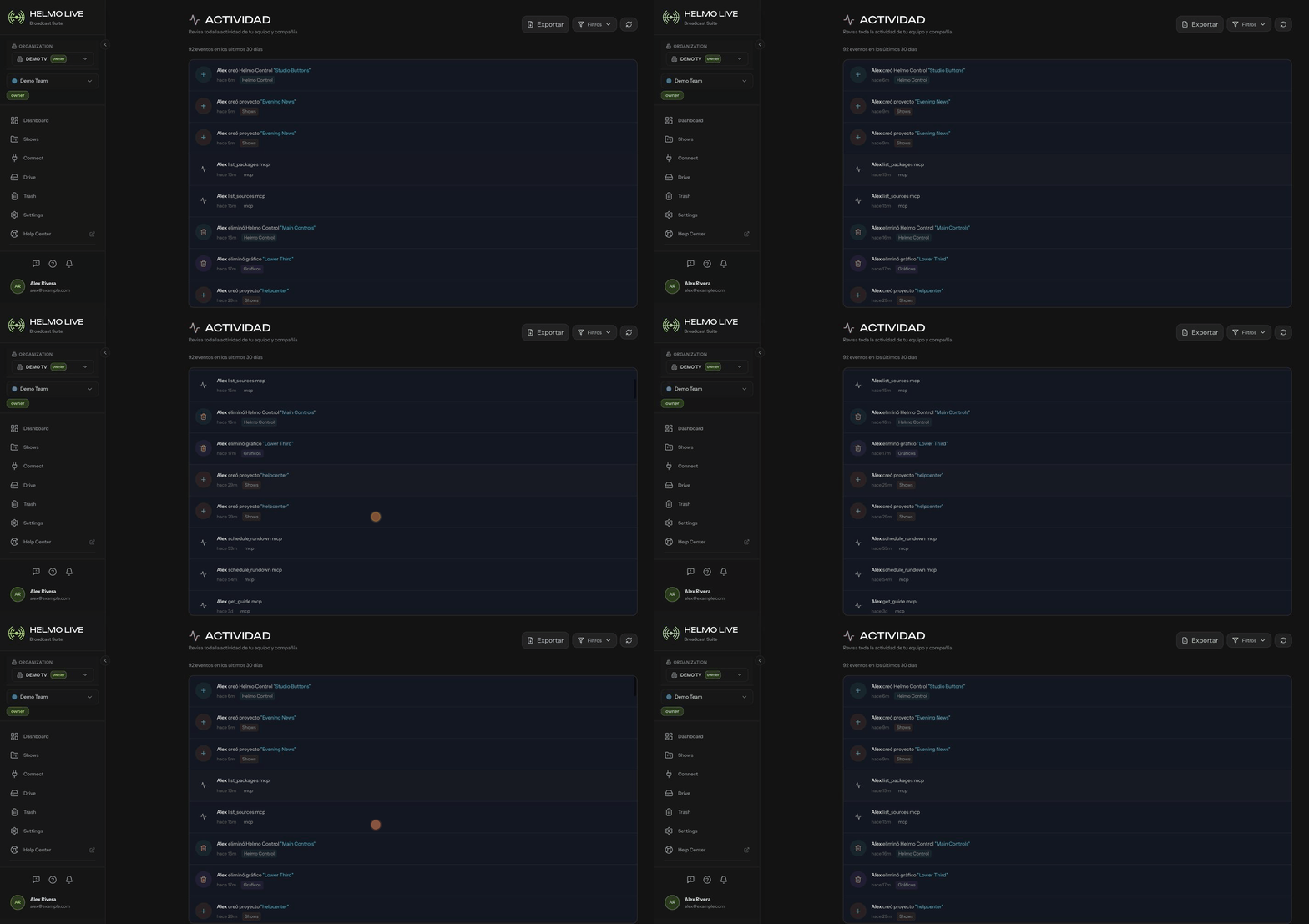
Go to Activity from the sidebar. This shows a chronological list of events in your workspace.
What's logged?
Activity logs capture actions across all modules:
- Account: user logins, role changes, invitation accepted/sent
- Graphics: package created, edited, deleted
- Control: panel created, button added, action executed
- Rundown: show created, rundown started, elements triggered
- Integrations: integration added, credentials updated, connection tested
- Assets: files uploaded, deleted
- Settings: team created, permissions changed, plan updated
Filtering logs
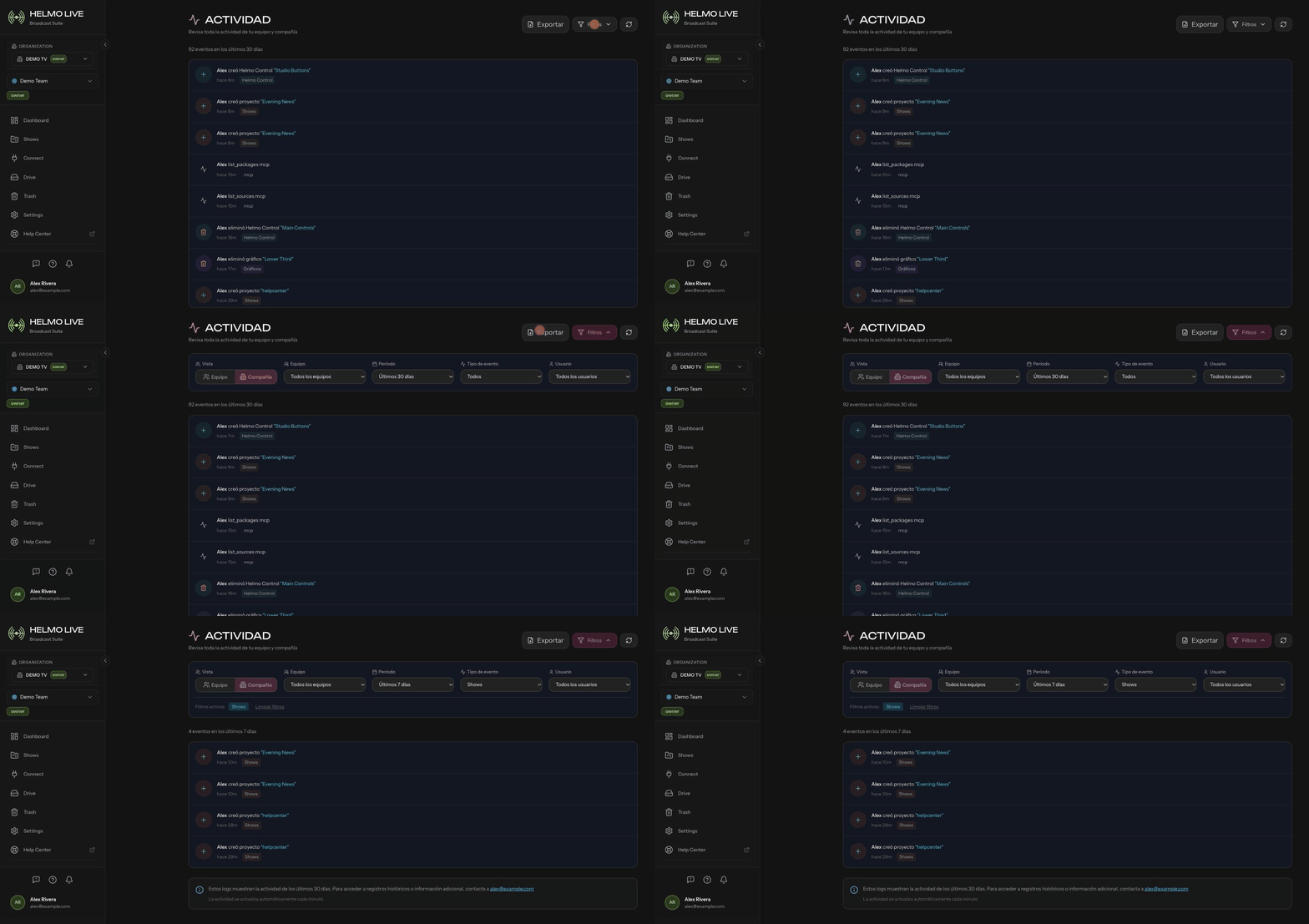
You can filter the activity log by:
- Date range: narrow down to a specific period
- User: see actions by a specific team member
- Module: focus on a specific area (Graphics, Control, Rundown, etc.)
Admin activity view
Workspace owners and platform administrators have access to an extended view at Admin → Activity that includes cross-company events and system-level actions.
Tip
Activity logs are useful for post-production review: check what happened during a live broadcast and identify any issues.