Button is not triggering the graphic
A checklist of common causes and fixes when a Client button does not trigger the graphic.
If pressing a button in Client doesn't trigger the graphic, work through this checklist.
1. Is the Package deployed?
The Package must be deployed before it can receive commands. Open the graphics editor and click Deploy. If you've made changes since the last deploy, you need to deploy again.
2. Is the output URL open?
The output URL must be loaded in a browser tab (or added as a browser source in OBS/vMix). If nobody has the output URL open, commands have nowhere to render. Check that the output page is open and showing a transparent canvas.
3. Is the integration connected?
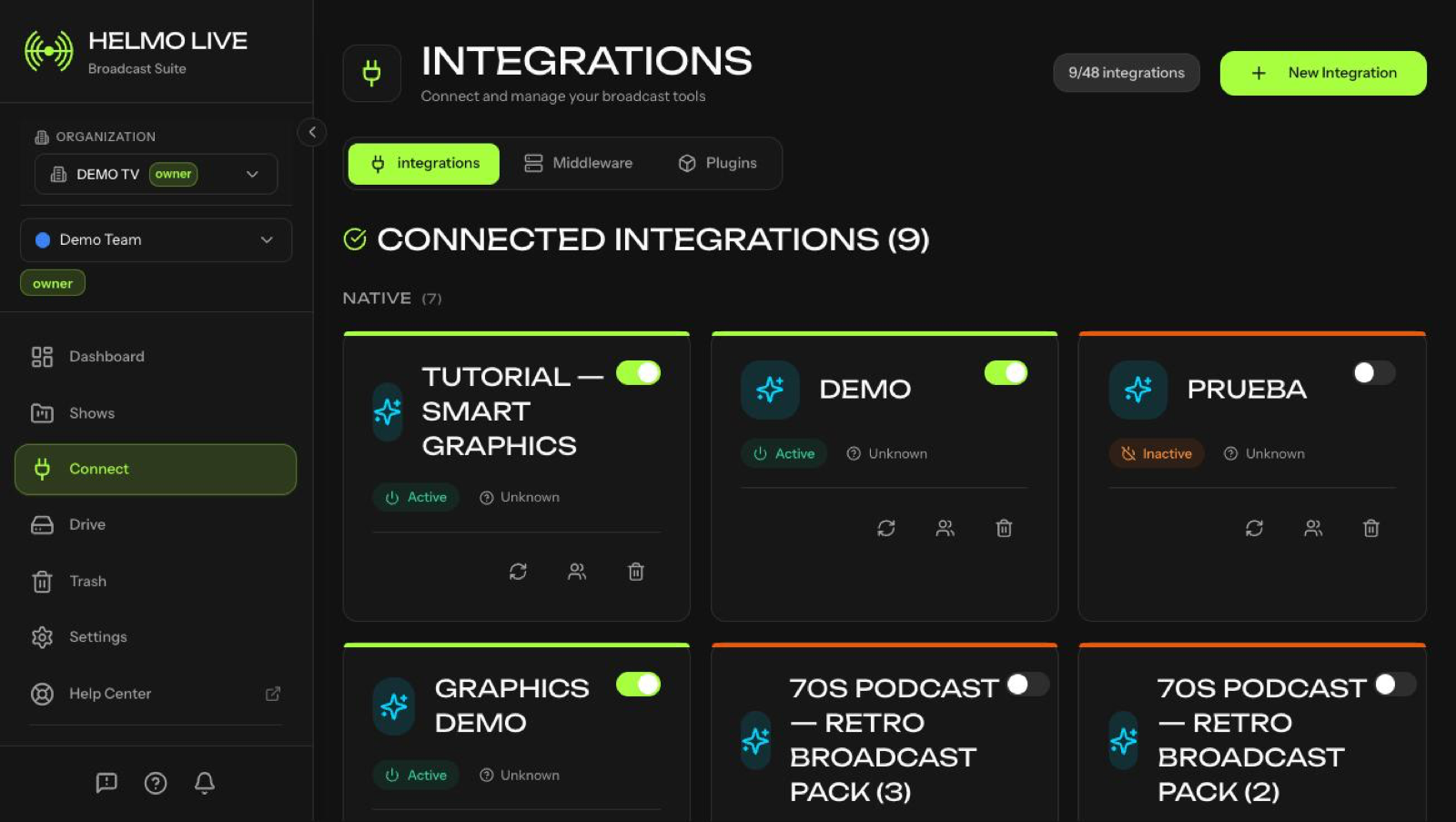
Go to Connect and check that the Helmo Graphics integration shows a green status indicator. If it shows red or offline, click to edit and test the connection.
4. Is the button configured correctly?
In Builder, click the button and verify:
- Correct integration selected?
- Correct Subcomposition selected?
- Action type set to TOGGLE, IN, or OUT?
5. Check the execution logs
Go to Client > Logs tab (or Helmo Control > Logs) to see if the command was sent and what the response was. Look for error messages or failed status entries.
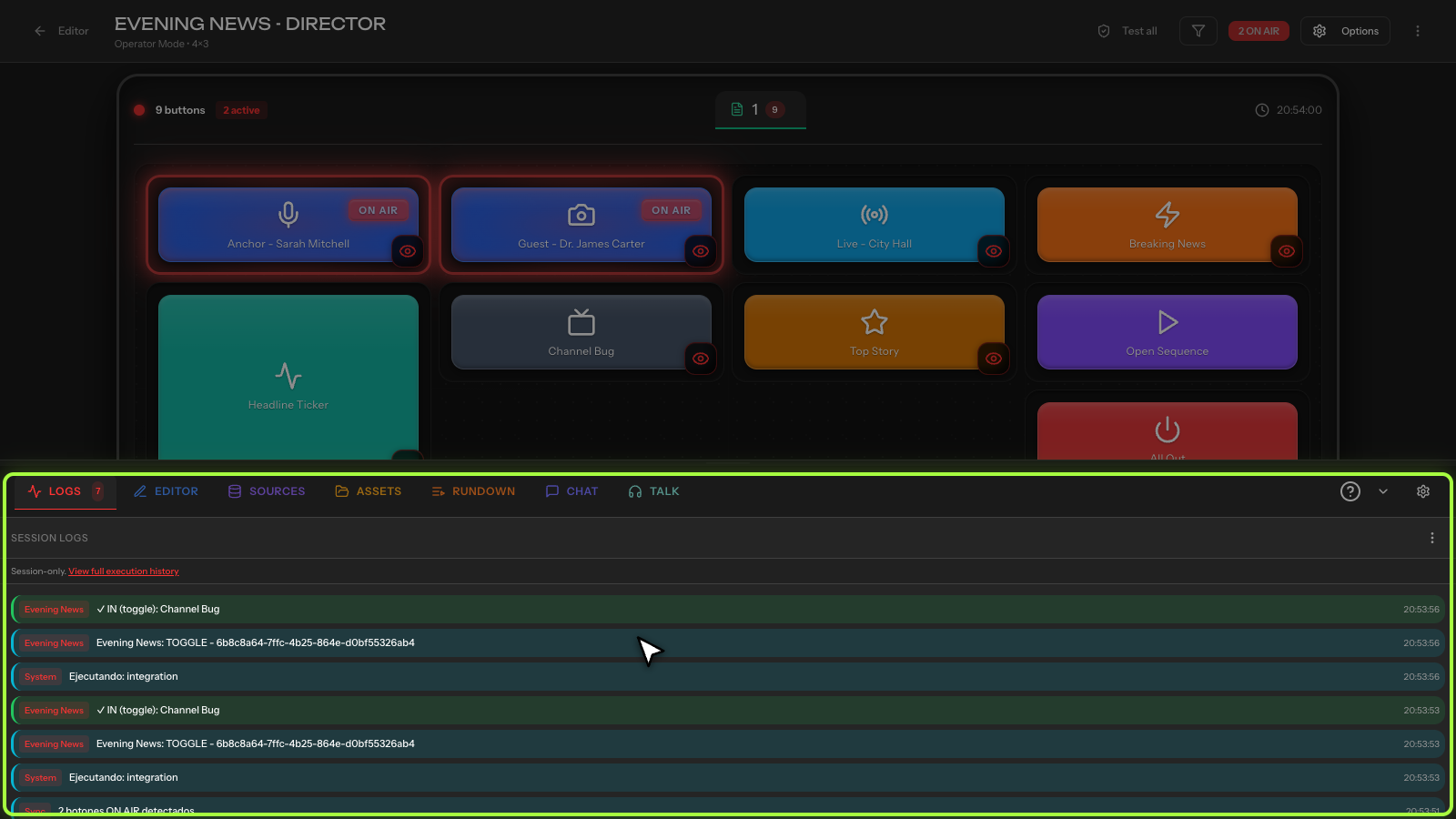
Execution logs are retained according to your plan, so how far back you can review depends on your subscription tier. Export or note any relevant entries before they age out of your retention window.
6. Rate limiting
If you're pressing buttons very rapidly, you may hit the rate limit. Wait a moment and try again.
Still not working? If none of the above fixes the issue, try closing and reopening the output URL, then test again. If the problem persists, contact support@helmolive.com with your execution log details.