Creating a new control panel
Set up a blank control panel, switch between panels, rename them, and delete them.
TutorialBeginnereditorUpdated
Control panels are containers for buttons. You can have multiple panels to organize different sets of controls.
Creating a Panel
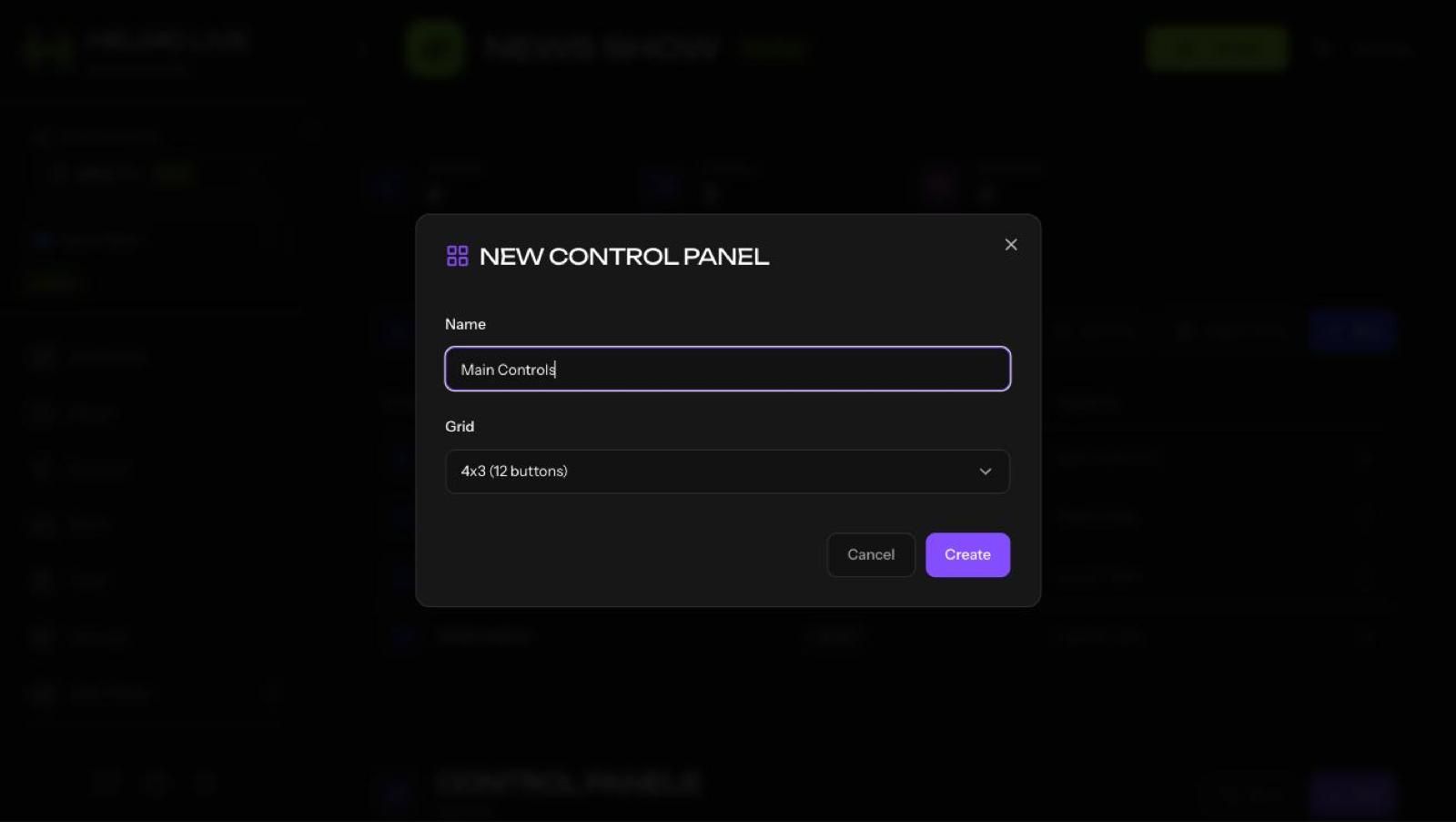
- In Builder, click + New Panel
- Enter a name (e.g., "Lower Thirds", "Scores", "OBS Controls")
- Click Create
Switching Panels
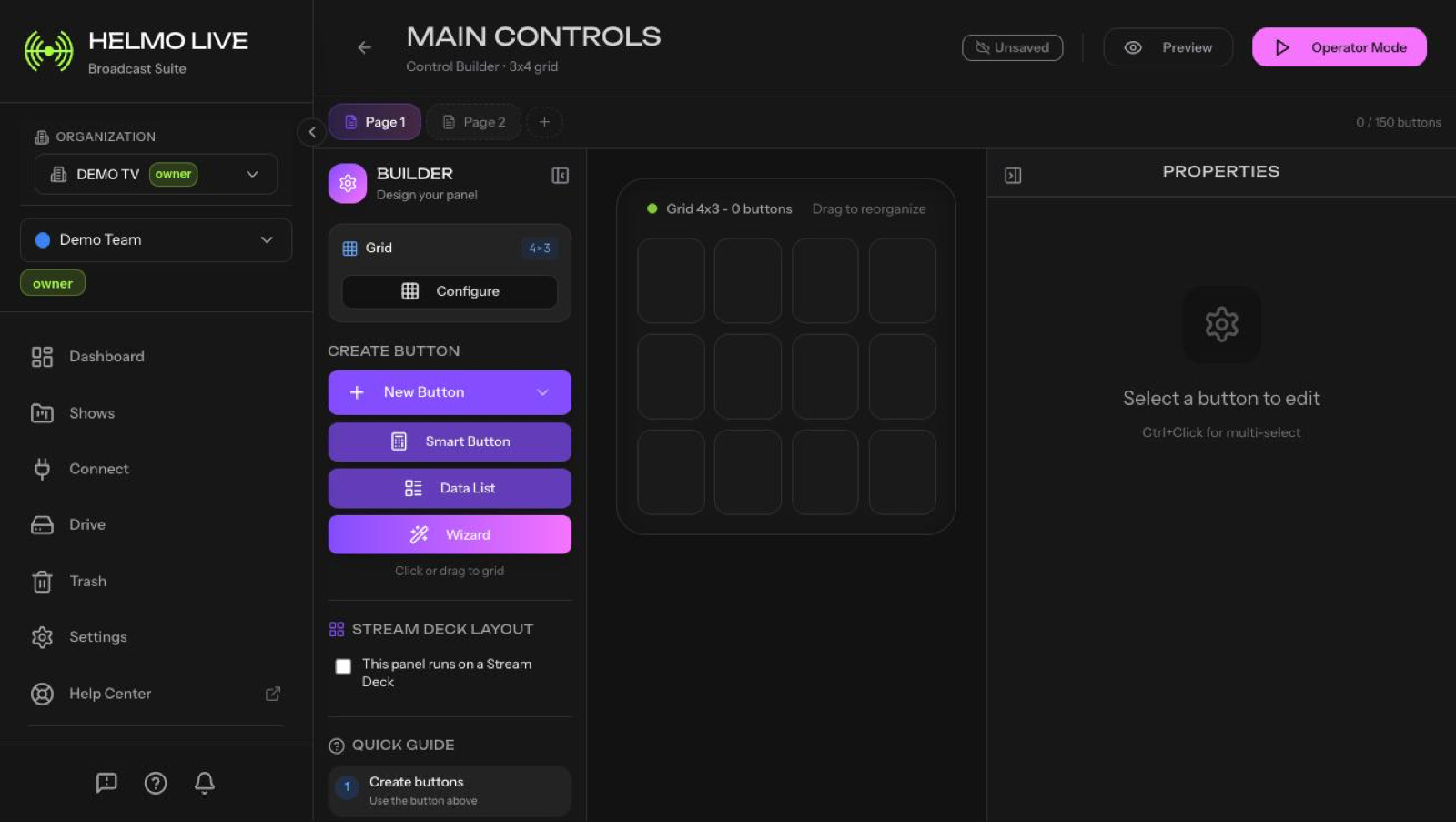
Use the panel tabs at the top of both Builder and Client to switch between panels.
Renaming a Panel
In Builder, right-click the panel tab > Rename.
Deleting a Panel
In Builder, right-click the panel tab > Delete. This soft-deletes the panel; it can be recovered from Trash.
Tips
- Organize by function: one panel for graphics, one for OBS, one for sequences
- The Wizard can auto-create multiple panels when you have many buttons
- Panels are scoped to the current Show