Example: News Lower Third sequence
A real-world walkthrough of a news lower third sequence that updates the name, shows for 8 seconds and exits automatically.
TutorialAdvancededitorUpdated
A complete real-world walkthrough: a news-style lower third that updates the name, shows for 8 seconds, and exits automatically.
The sequence
| Step | Type | Details |
|---|---|---|
| 1 | PATCH | Set "name" to {{Name}}, "title" to {{Title}} |
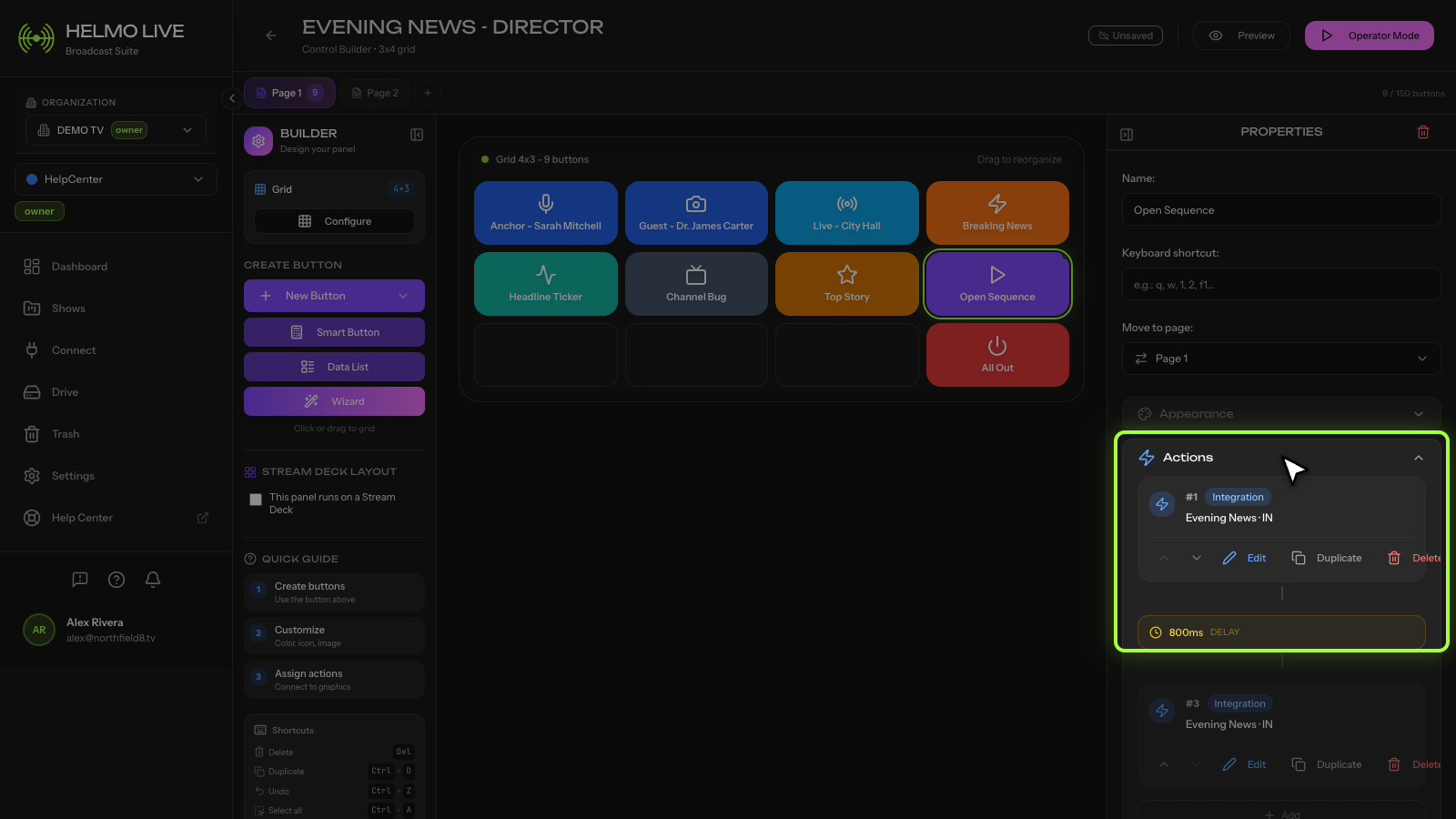
| 2 | IN | Bring "Lower Third" Subcomposition on screen |
| 3 | WAIT | 8000ms (8 seconds) |
| 4 | OUT | Take "Lower Third" Subcomposition off screen |
Dynamic inputs
{{Name}}: text field where the operator types the person's name{{Title}}: text field where the operator types the person's title or role
These appear as input fields next to the button in Client.
How the operator uses it
- In Client, they see a button labeled "Show Lower Third" with two text fields
- They type "Maria Garcia" and "Senior Producer"
- They press the button
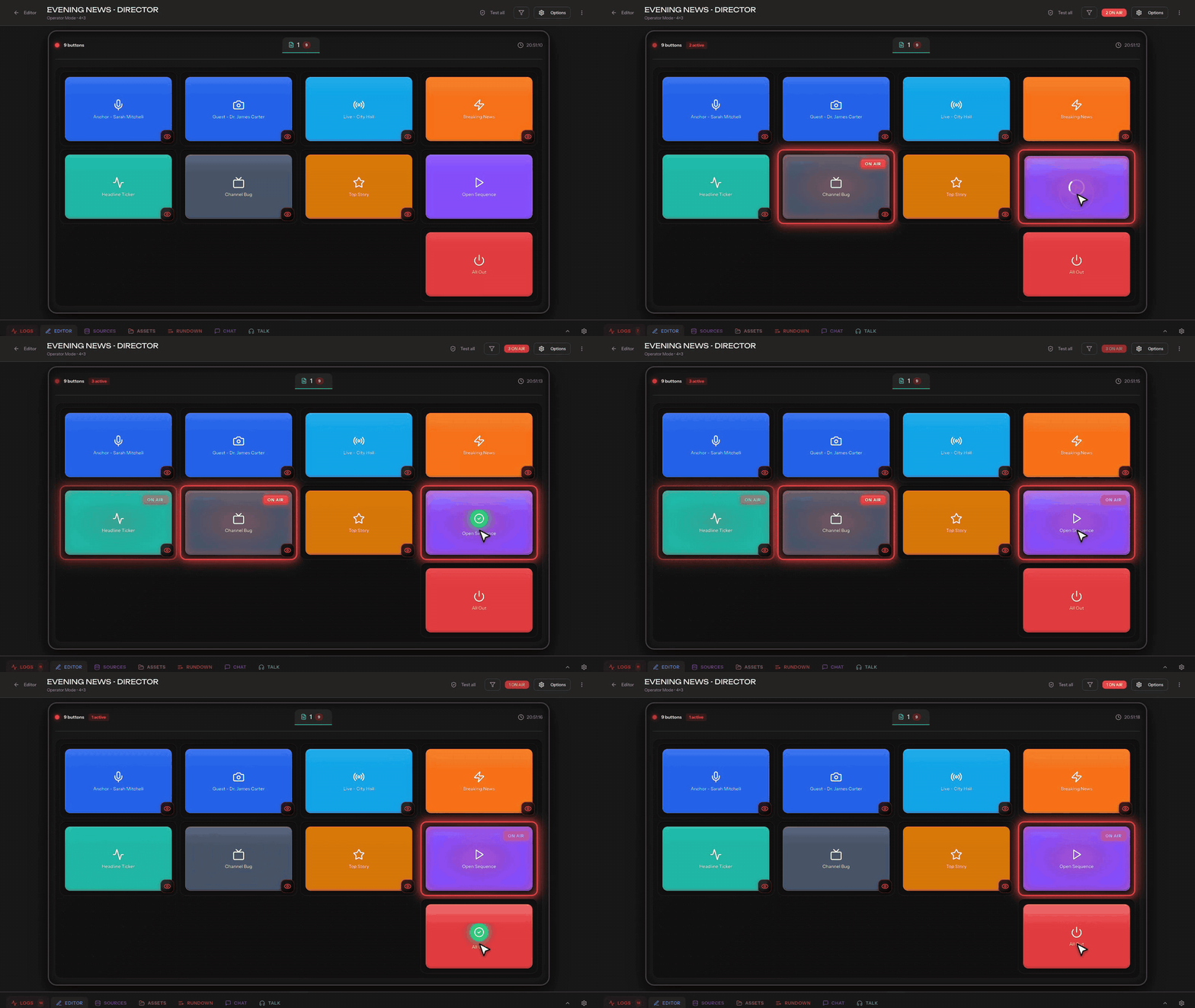
- The lower third appears with the updated name and title, stays for 8 seconds, then exits automatically
The operator is free to do other things during the 8-second wait. The sequence runs to completion on its own.
Variations
- Longer display: change the WAIT to 10000ms or 15000ms for slower-paced shows
- No auto-exit: remove the WAIT and OUT steps, and the operator manually takes it out when ready
- Double lower third: add a second PATCH + IN after the first OUT for back-to-back name displays
- Cross-integration: add an OBS scene switch step before the IN to change camera angles simultaneously
Tip
This pattern (PATCH, IN, WAIT, OUT) is the most common Action Sequence in broadcast production. Once you have it working, duplicate the button and adjust the wait time or target Subcomposition for other graphics.