What is the Control Wizard?
The Control Wizard auto-generates panel buttons from your integrations: Viz Flowics overlays, timers and list controls.
ConceptBeginnereditorUpdated
The Control Wizard auto-generates buttons based on your integrations, saving you time.
How to use it
- In Builder, click the Wizard button in the toolbar
- Choose your integration type
- Select what you want buttons for
- Click Generate
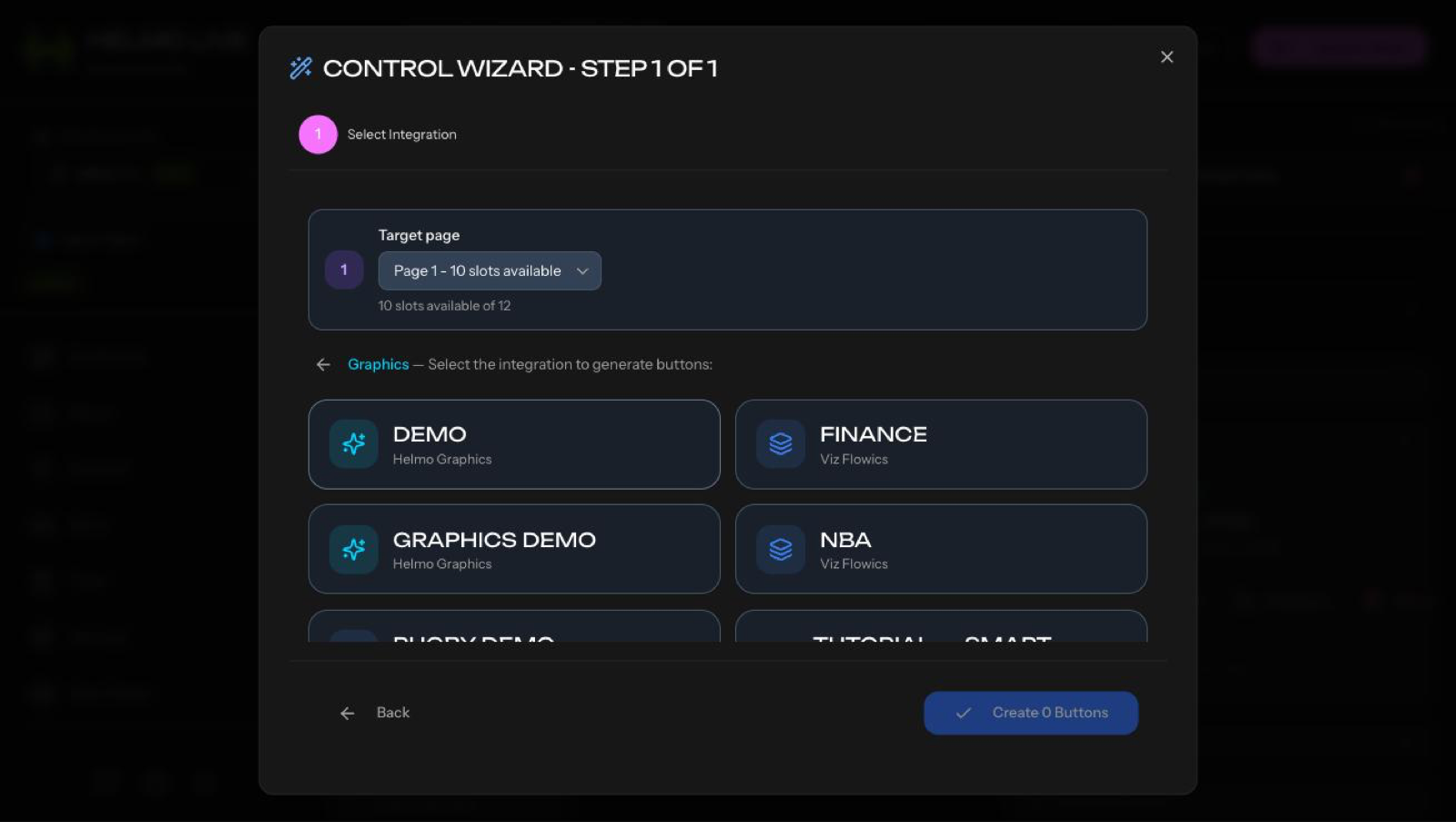
Available Wizards
Viz Flowics: loads your Viz Flowics overlays, you select which ones, and it generates buttons with editable text fields.
Timer Providers: generates Play, Pause, Reset, and Set buttons for timer sources.
List Controls: generates First, Previous, Next, and specific item buttons for Helmo Lists.
Auto-pagination
If you select more items than fit on one panel, the Wizard automatically creates additional panels and distributes the buttons.
After generating
You can still customize the generated buttons: change colors, reposition, rename, or delete any you don't need.