Editing text fields live
Update names, scores and other overlay text in real time from Client, without going back to the editor.
TutorialBeginneroperatorUpdated
You can update overlay text directly from the Control Client without going back to the editor.
How it works
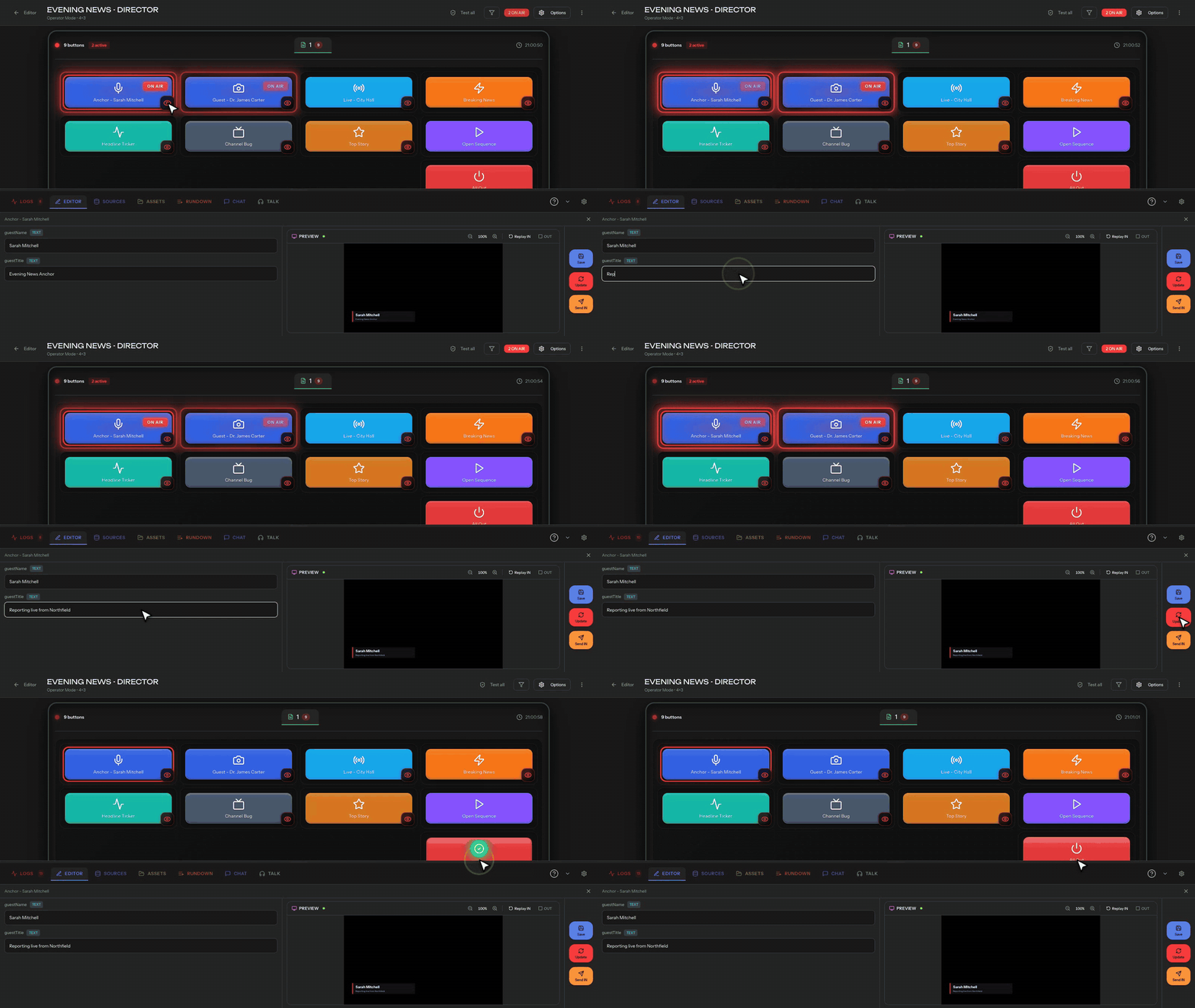
Buttons configured with PATCH actions show text input fields in the Client. The operator types the new text and presses the button to send the update.
Example: updating a lower third
- The operator sees a button labeled "Lower Third" with two fields: Name and Title
- They type "Jane Smith" in the Name field and "CEO, Acme Corp" in the Title field
- They press the button
- The overlay updates instantly. If it's already ON AIR, the text changes live
Text persistence
Values typed in the Client are saved. If you navigate away and come back, the last entered values are still there. You don't need to retype between uses.
Saving vs. executing
Helmo Control separates saving (storing the text for later) from executing (applying it now). You can pre-fill text fields before triggering IN, so the overlay appears with the correct content from the start.