Adding a Crawler (ticker)
Add a scrolling Crawler for news, scores and rolling updates, with loop, nonstop mode and live data binding.
A Crawler is a scrolling ticker, perfect for breaking news, scores, or rolling updates. Drag Crawler from the Elements panel onto the canvas.
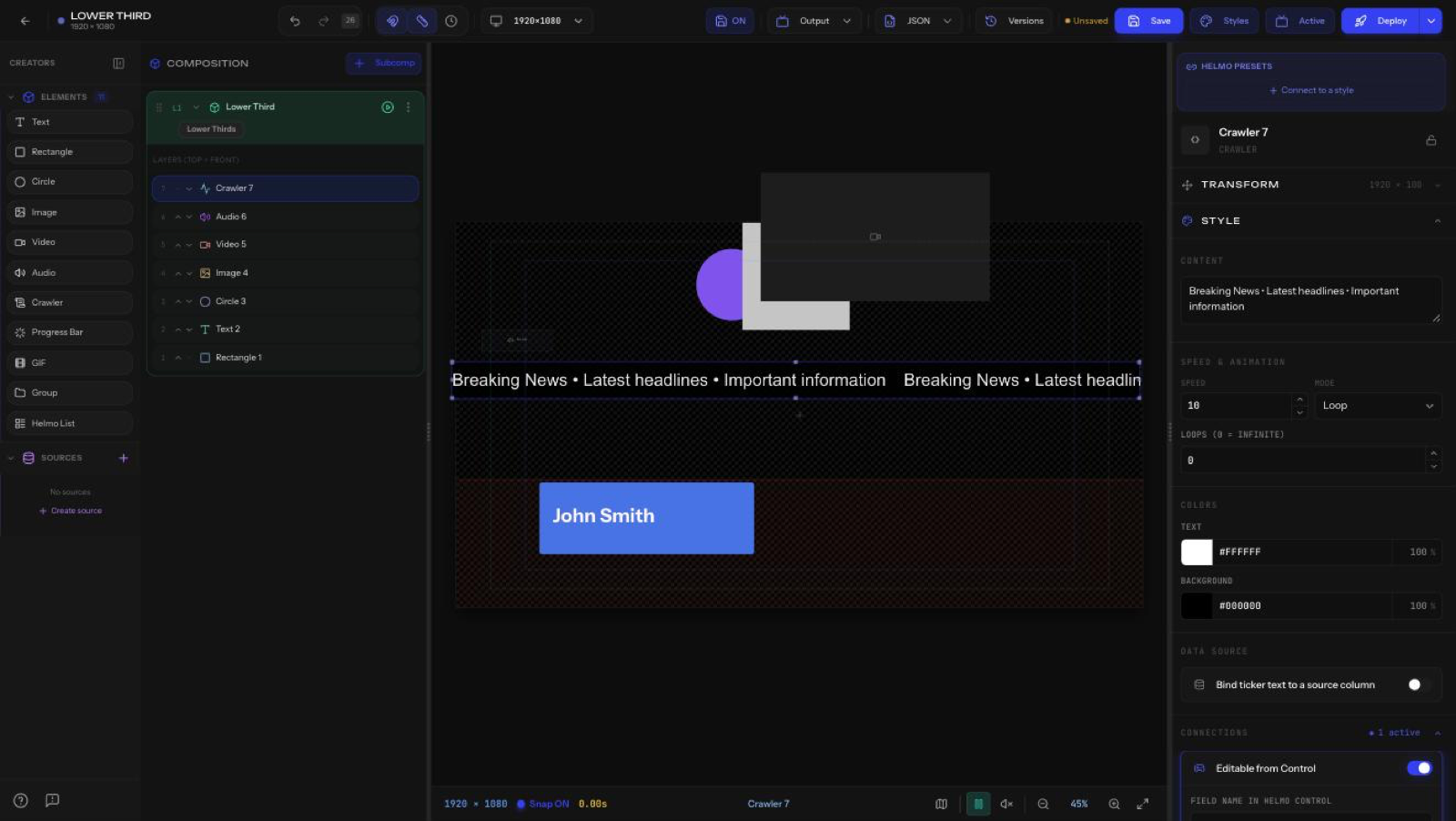
Content
Type the ticker text directly, or bind it to a Helmo Source (see below).
Speed and animation
The crawler is powered by the Web Animations API, so scrolling is buttery smooth with no lag or stutter, even with long text or many tickers running at once.
- Speed: how fast the text scrolls.
- Mode: Loop (repeat a set number of times) or Nonstop.
- Loops: number of repeats (0 = infinite).
- Delay between loops: a configurable pause (in seconds) between each pass, so the ticker can breathe before it starts again.
Nonstop mode
Nonstop uses seamless tiling: the text is duplicated and stitched end-to-end so it fills the entire width of the element with no gap and no visible "jump" when it wraps. This is the go-to mode for a continuous rolling news bar that never appears to restart.
Colors
- Text color and Background color (each with opacity).
Data source
Enable Bind ticker text to a source column to feed the crawler from a Helmo Source (for example, a Google Sheet column or JSON feed) so it updates live. See Helmo Sources: bind live data to your graphics for setup.
Plus Connections, Effects, Mask, and Animation.