Helmo List: data-driven lists
Render standings, leaderboards and line-ups from data with a Helmo List, in data list or repeater mode.
TutorialIntermediateUpdated
A Helmo List renders a repeating layout from data: standings, leaderboards, line-ups, agendas. Drag Helmo List from the Elements panel onto the canvas.
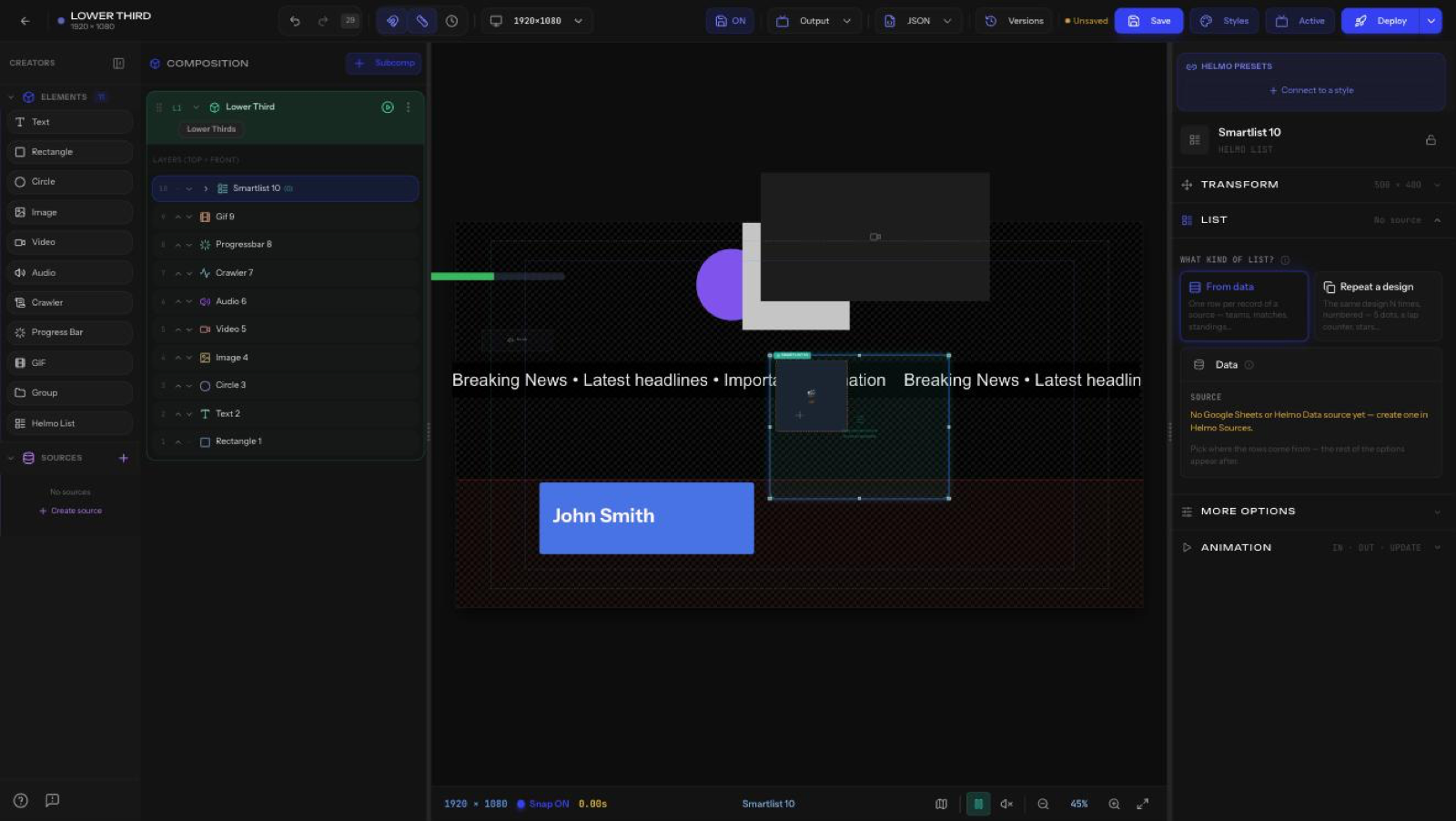
Mode
- Data list: bind to a data source and render one item per record.
- Repeater: repeat a template a fixed number of times.
Source
Pick a connected document (for example, a Google Sheet) with Select document. Connect sheets from the Helmo Sources panel first.
Layout
- Direction: Vertical, Horizontal, or Grid.
- Spacing: gap between items.
- Max Items: how many to show.
- Show Row Guides: per-row guide lines on the canvas to align elements while editing.
- Default Layout: Set as default saves the current item layout as the row template; Reset to default re-applies it to every row.
Stagger
- Offset (ms): delay each item's animation so the list builds on one after another.
Tip
Drag elements inside the list to design the row template once. Every record reuses it.