What are subcompositions and why they matter
Subcompositions are the overlays you bring IN and OUT during a live show; learn what each one contains and how many you need.
Subcompositions are the core concept of Helmo Graphics. They are the overlays you control during a live show.
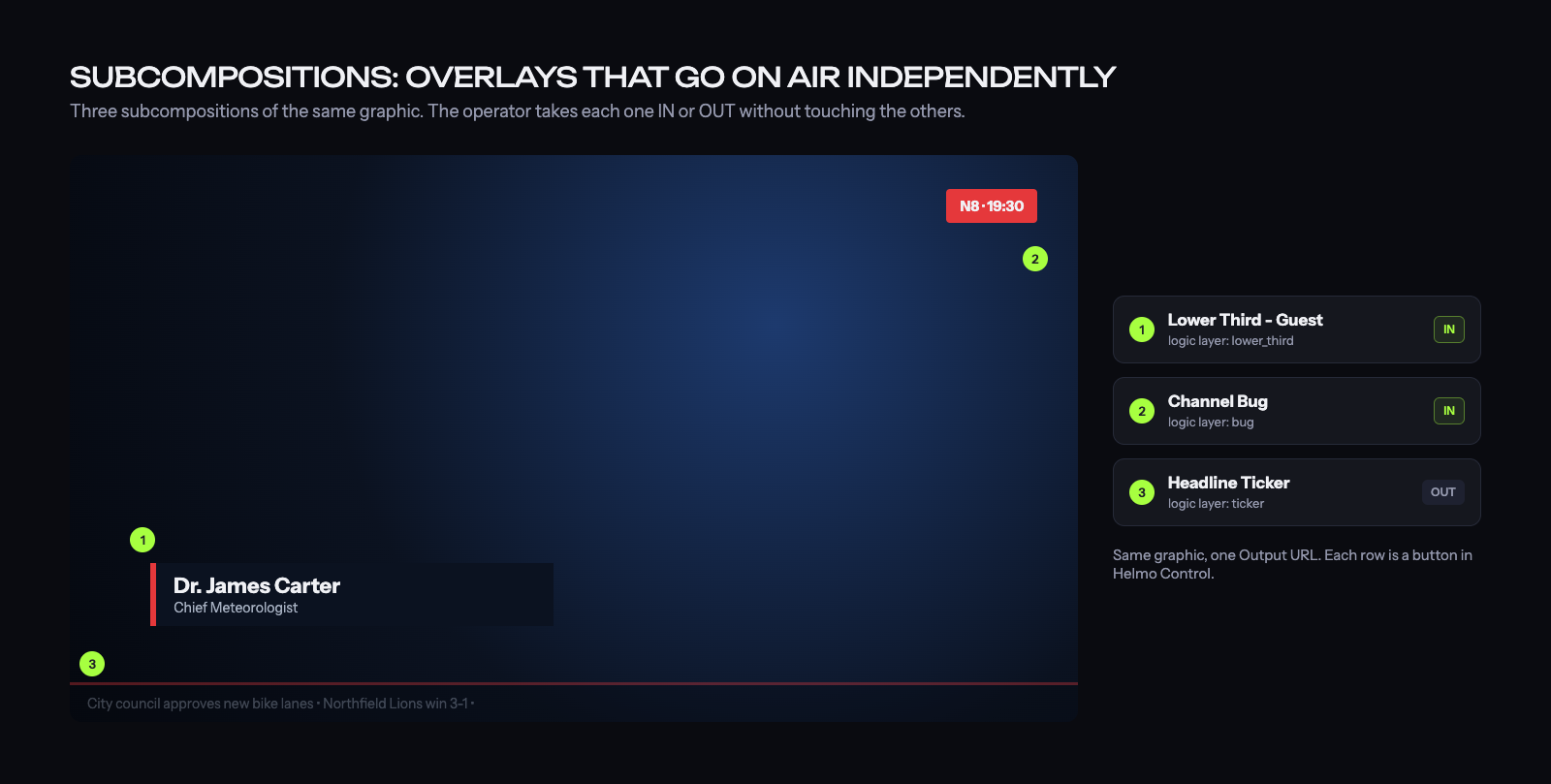
While elements are the things you see (text, images, shapes), subcompositions are the containers that hold those elements and define when they appear and disappear.
Why subcompositions?
During a live broadcast, you don't control individual text or image elements; you bring entire overlays in and out. A "lower third" overlay might contain a background bar, a name, and a title. All three need to animate together. That's what a subcomposition does.
Each subcomposition has
- A name: shows up in Helmo Control buttons (for example, "Lower Third", "Score")
- A state: IN (visible), OUT (hidden), or Preview
- An IN animation: how it enters the screen
- An OUT animation: how it exits
- A Logic Layer: category for organization (Lower Thirds, Bugs, Full Screen, etc.)
How many subcompositions per graphic?
As many as you need. A typical sports graphic might have:
- "Score Bug": always visible during play
- "Player Card": shows on player events
- "Lower Third": commentary names
- "Ticker": scrolling news at the bottom
- "Full Screen Stats": halftime statistics
Each one is controlled independently from Helmo Control.