Grouping elements
Group several elements to move, animate and mask them together as one.
TutorialBeginnerUpdated
Groups let you treat several elements as one: move, animate, and mask them together. Drag Group from the Elements panel, or select elements and group them.
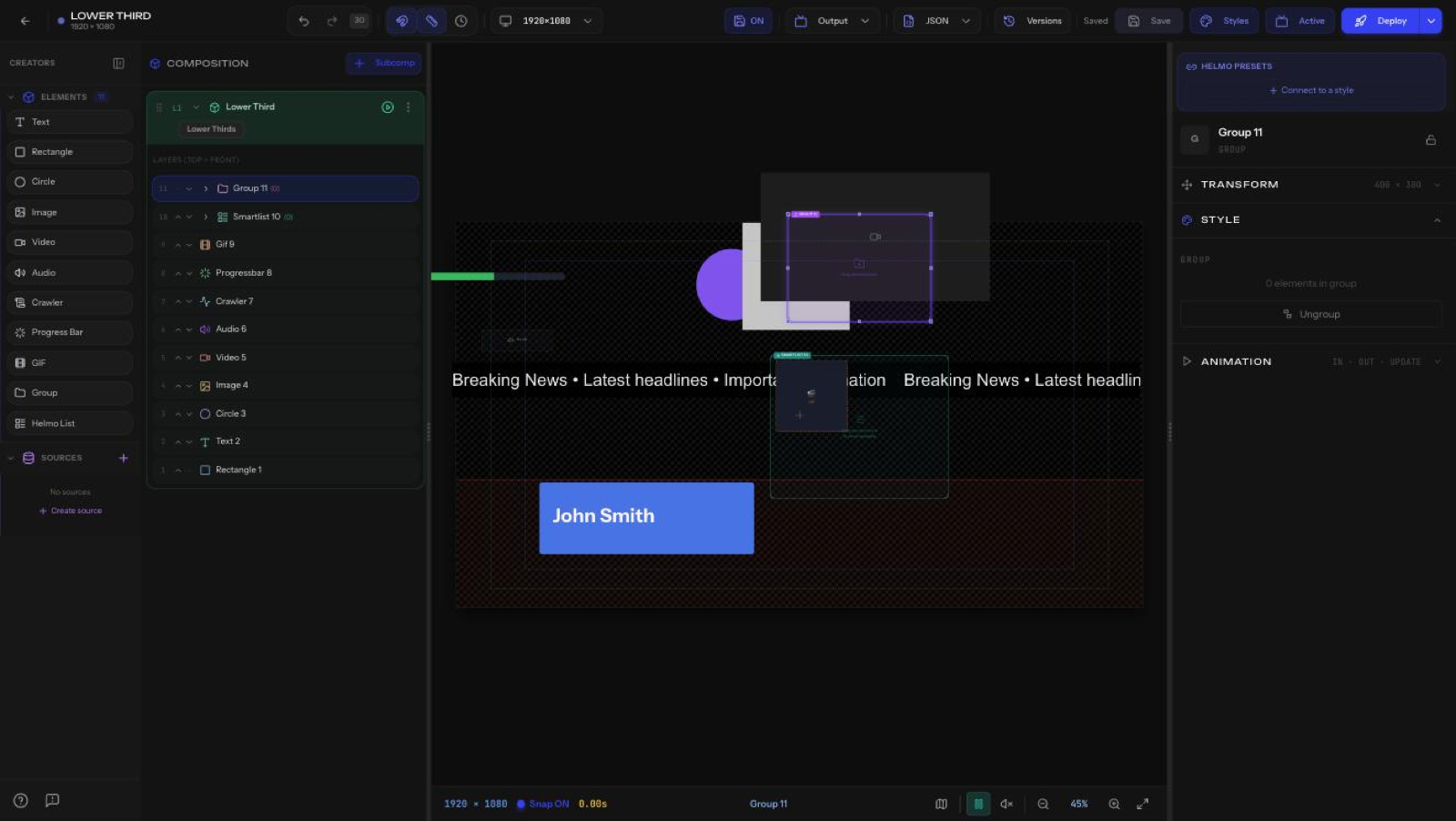
What a group does
- Shows how many elements are in the group.
- Ungroup: break the group back into individual elements.
- A group has its own Transform and Animation, so an IN/OUT preset on the group animates all its children together.
Tip
Group a logo + name + title to animate a full lower third as a single unit.