My graphic isn't showing in OBS/vMix
Common causes and fixes when your graphic does not appear in OBS or vMix, from deploying to cache and URL checks.
If your graphic isn't showing in OBS or vMix, check these common issues.
1. Did you deploy?
The Output URL only works after you click Deploy in the editor. If you just saved your graphic but didn't deploy, the output will be empty.
2. Check the URL
Make sure you're using the Output URL, not the editor URL. The output URL looks like:
https://helmolive.app/output/your-graphic-id
3. Check the resolution
In OBS, make sure the Browser Source is set to 1920x1080. Other resolutions may cause scaling issues.
4. Are any subcompositions IN?
If all subcompositions are OUT, the output will show a watermark or appear empty. Try triggering one IN from Helmo Control.
5. Try the URL in a browser
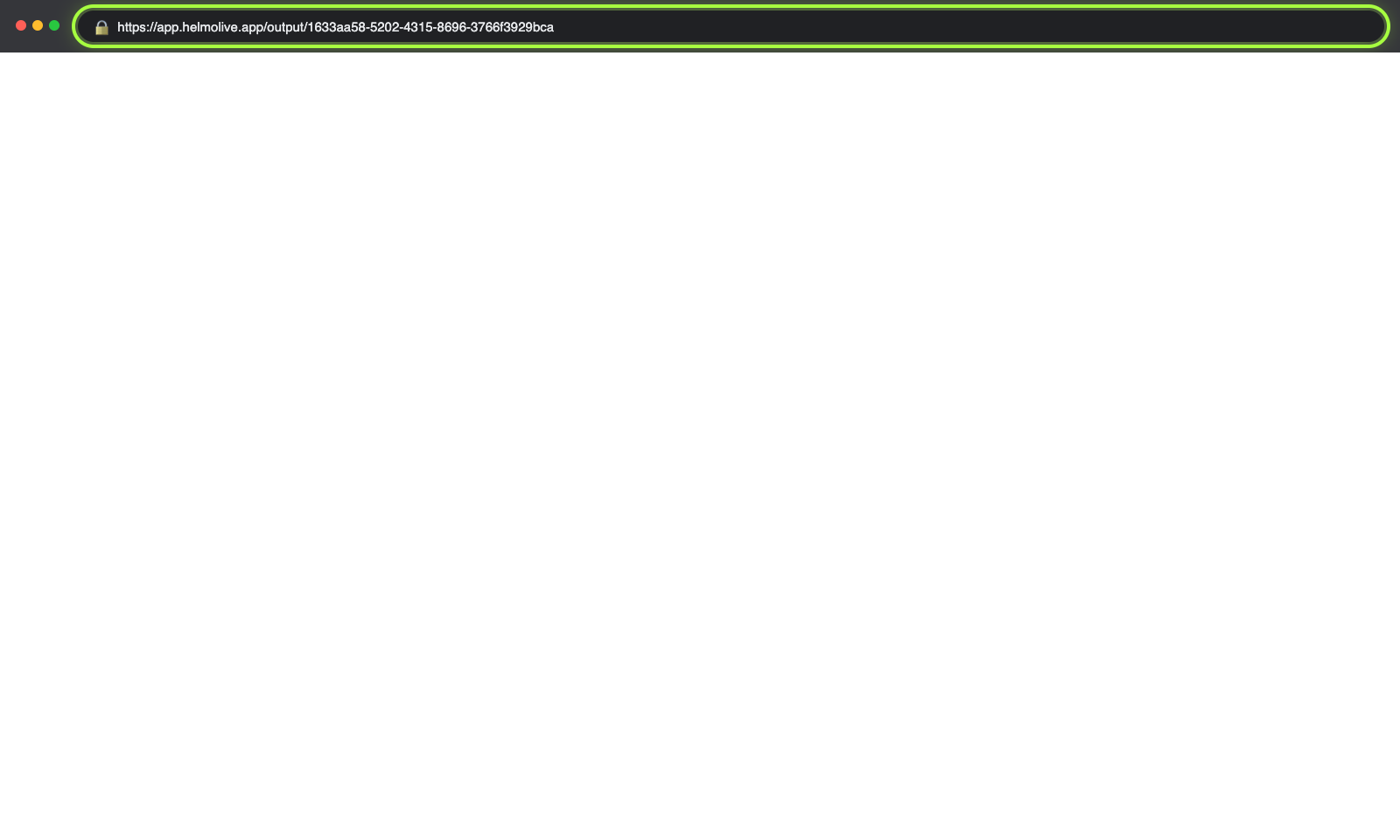
Open the Output URL directly in Chrome. If you see the graphic there but not in OBS/vMix, the issue is with your streaming software settings.
6. Clear the browser cache
In OBS: right-click the Browser Source > Properties > click Refresh cache of current page.
7. Check your internet connection
The output URL requires an internet connection to load. If you're offline, the graphic won't appear.
Still not working?
Try adding ?debug=true to the output URL to see diagnostic information.